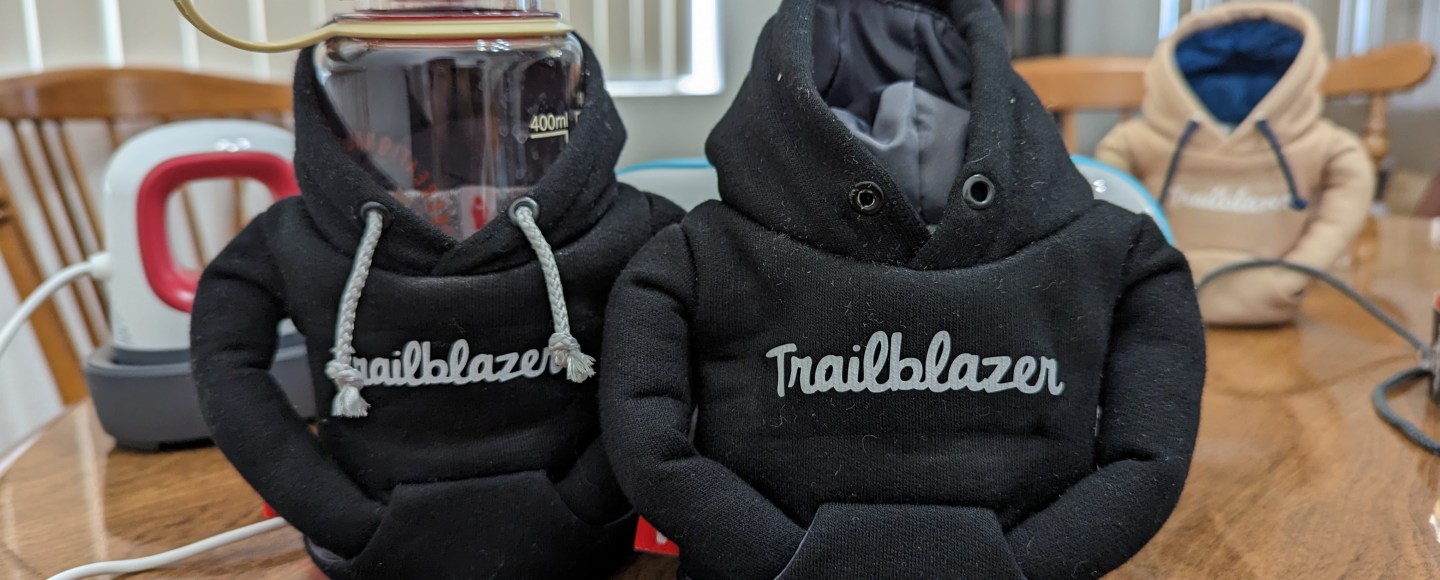

Around Thanksgiving last year I was wandering around REI, as I do, and found nearly the cutest thing I’ve ever seen: a can coozie that looked like a hoodie. Immediately I was like oh my goodness, that would be so cute with the trailblazer logo across the front, I really wish they had this in black, but the only color they had was like a khaki color. I bought it anyway, because it was so cute.

As soon as I got home I went to their website to see what other colors they had. You guys, they totally had it in black! BUT IT WAS SOLD OUT. My heart sank. Maybe shrank. And I was really sad for the rest of the day. And full transparency, even though I probably sound like a psycho, I’ve checked their online store EVERY WEEK since then, waiting for them to come back in stock, until a few weeks ago when they finally got more in (4 months later)!! I bought one immediately. And then I went back later and got another one. And then I was like what the hell, let me get a few more to give to people.
Well, the first was delivered last week and the second came yesterday, and as my husband says, I have no chill, so I got to work. I could see it all in my mind, but how was I actually going to make this come to life?!

Step 1: the hoodie strings
First off, the strings on this hoodie are gray, and I needed them to be white. I had it in my mind I was going to have to cut them and then glue in some white ones, but I totally lucked out and after untying the knots, was able to pull the string all the way out in one piece. And this meant I could thread a white piece all the way through! I went to Joann and matched the thickness and style in the ribbon section. I think you could probably also just use a thin paracord. I cut it to length, and laced it through. Side note: this went swimmingly on the first one I did. The second one not so much. One of the eyelets is much smaller, so I’m still struggling with it. I’ll get it eventually though.

Step 2: the trailblazer logo
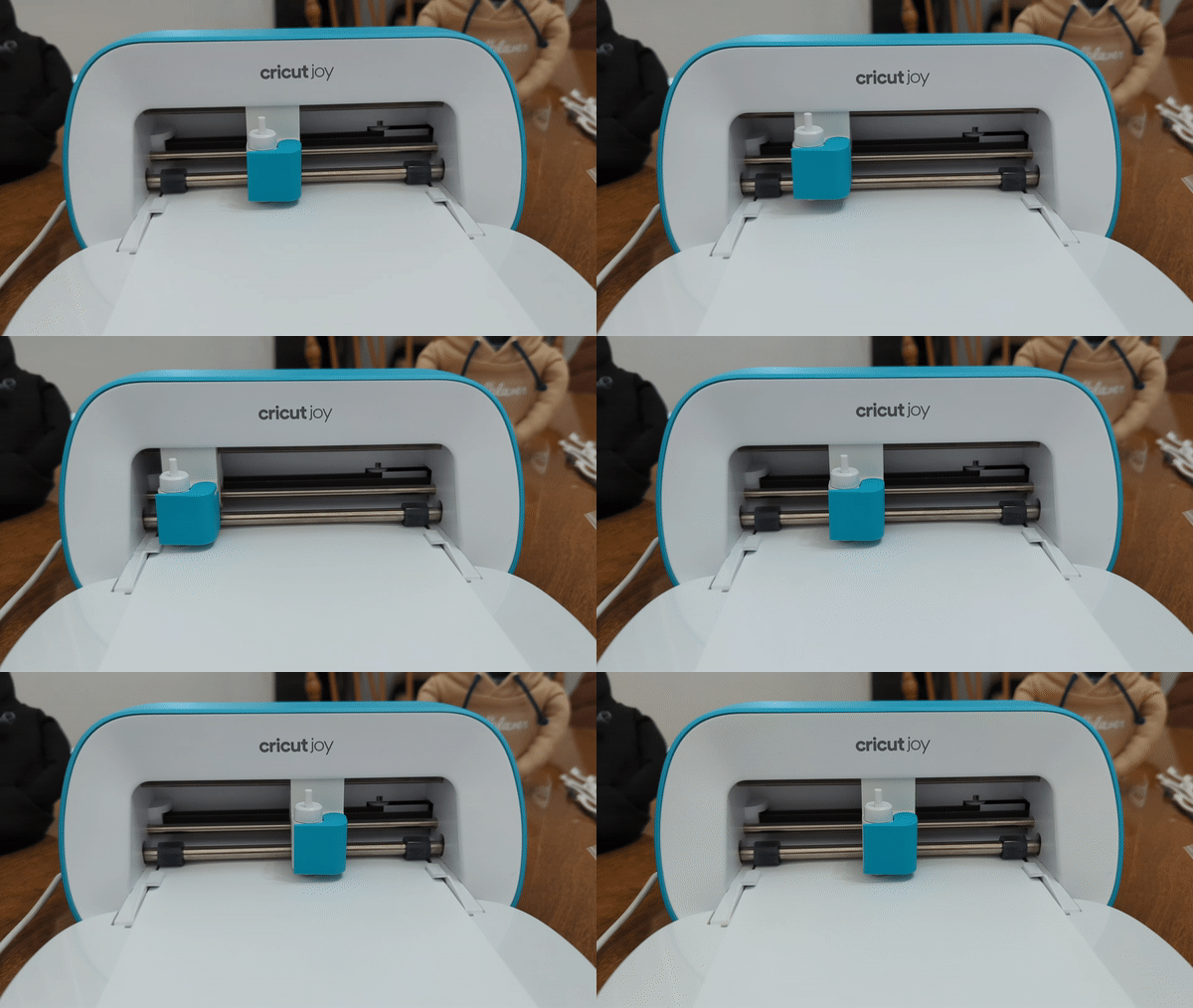
Now that our strings are right, we need our logo. I did a lot of googling about custom iron-on designs. Everything I found was super inefficient and expensive and I needed to be able to play around with the size and what not. I put this on hold for a couple days to think about it more. And then, duh… a Cricut! I’ve been wanting one for a long time, so this gave me the excuse to finally do it, and I got the Cricut Joy from Target, which was also on sale so it made it even awesomer. Yes, I know that’s not a word. ANYWAY. Now I had the tools, and with a $5 roll of their smart iron-on, I also had the materials. I uploaded an SVG of the trailblazer logo, made it the size I thought I needed, and hit go. Here’s a link to the project if you want to customize one on your Cricut!
Step 3: putting it all together
Now I had an iron-on logo, my hoodie with the appropriate color strings, and all I needed to do was iron it on. This is where I got scared. 😂 First I tried it on that first khaki one I bought last year. I shoved a bunch of socks in it thinking that would be firm enough. That did not work. Then I stuck an empty can in it, which worked okay, but bent the can up really bad so I couldn’t use it again. When I did the first black hoodie, I stuck a small water bottle in it so I could press harder. This worked fine actually, but I melted the water bottle.
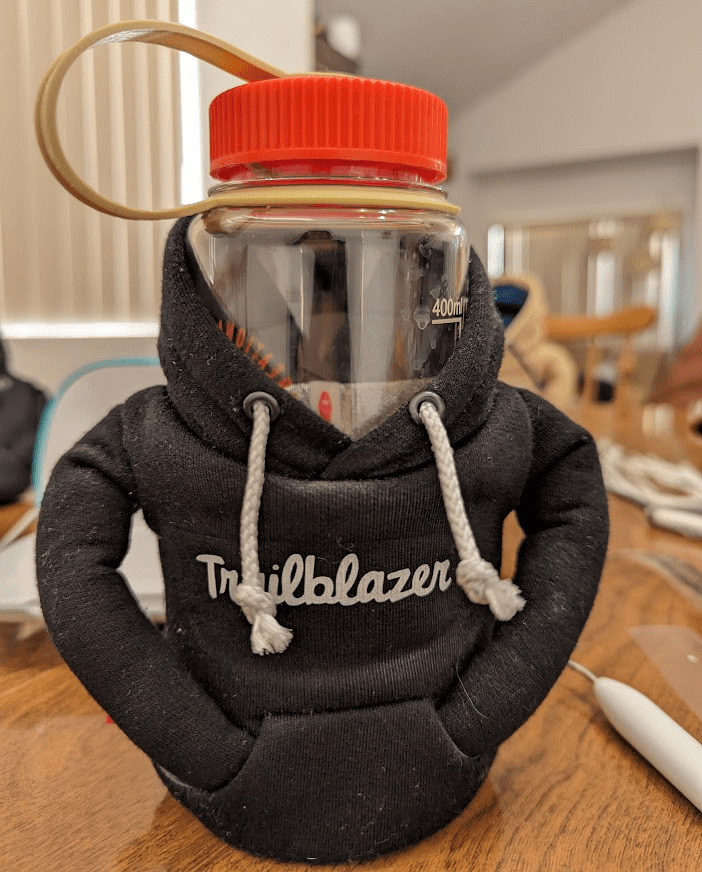
At this point, I had two done and could really gauge how it looked in action. I decided to make the logo a bit bigger for the last one. I also decided I was just going to smash it down on the table real hard and hope for the best. This was actually the best method 😂 and worked really really well!
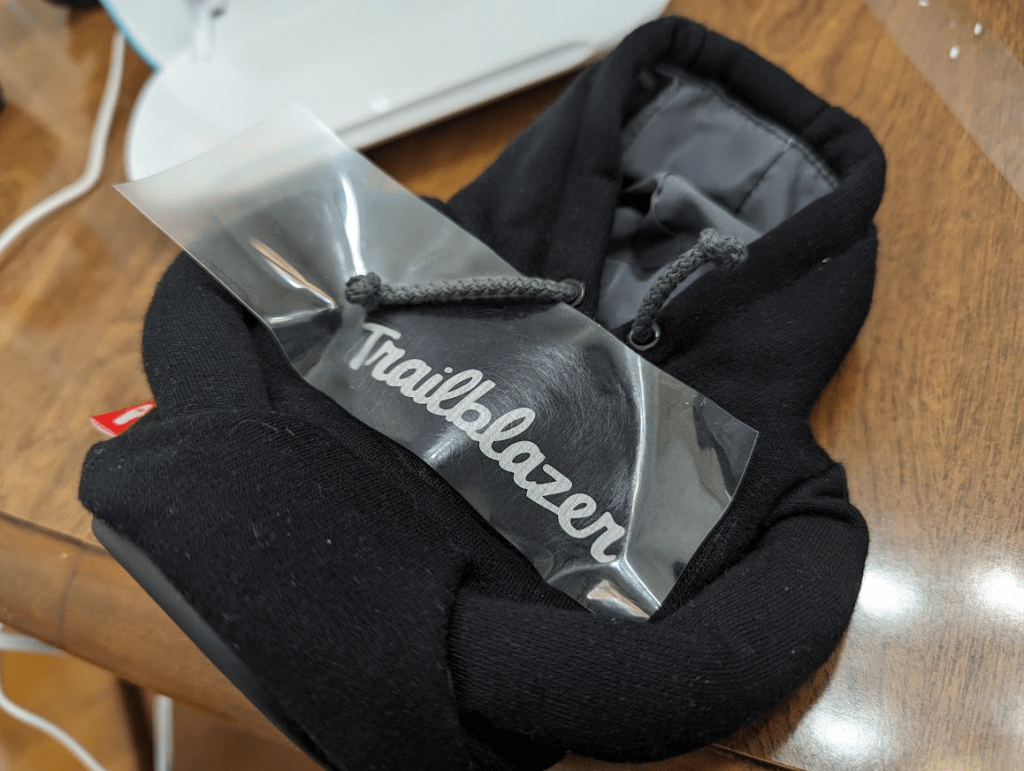
Trailblazer Hoodie Coozie FTW
I am like SO excited for these and think they turned out really great. Next I’ll see about adding the Trailhead logo to the sleeve like a real one. Just trying to figure out all the colors and how that will work! Everything looks a little gray in these pictures, but the pull strings and logo are white and look amazing! Except for this one with the weird eyelet that is a work in progress 🙂
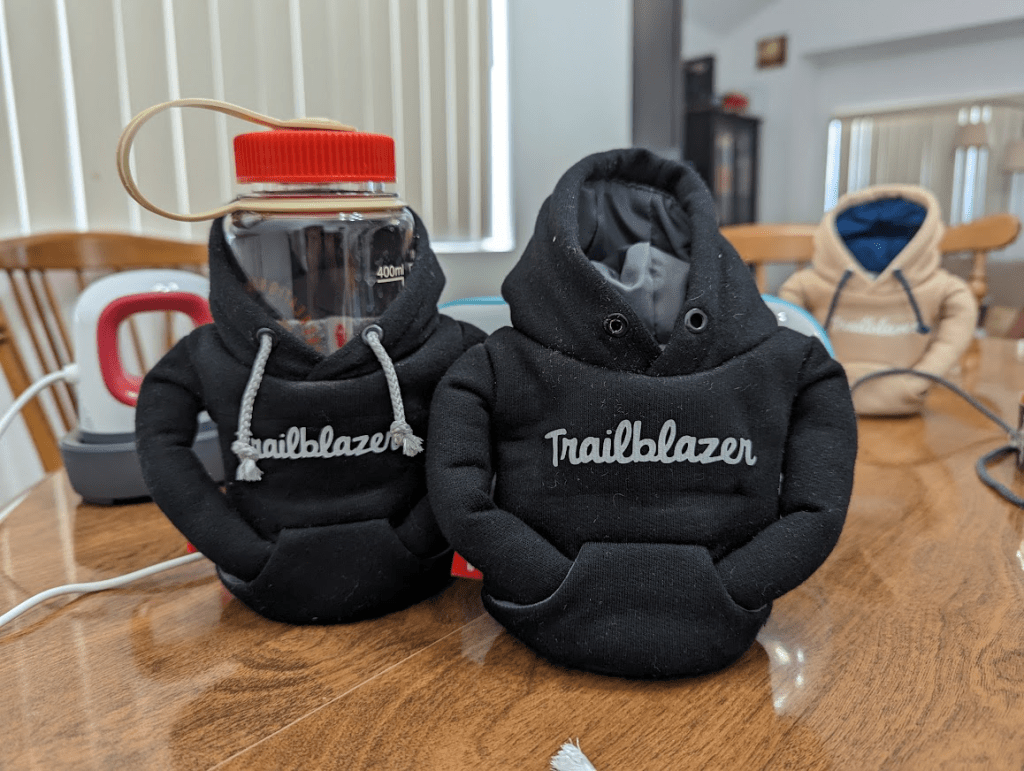
I hope you enjoyed this fun project as much as I did! I definitely think a Puffin x Salesforce collab would be super fun and totally the next hot swag item at a conference! When the others get delivered maybe I’ll do a giveaway of some sort!
 Force For Fun
Very cool! Can we expect to see a golden hoodie version next for that extra special drink?
LikeLike
Just a heads up the shared Cricut project does not allow someone to make or customize the project
LikeLike
Oh no! Did you open it in the Cricut Design Space app? I’ll see if there’s any other setting I need to do on the shared project!
LikeLike
I sure did. I’ve never shared my Cricut projects so I’m not sure what change needs to happen to make the sharing work. But I think when you click on the share option inside of Design Space you need to select the option to make it public in Design Space. But doing that gives rights to Cricut to use it. Maybe just share the PNG and give the dimensions?
BTW what heat setting did you use on your EasyPress Mini
LikeLike
I did the highest heat setting even though the heat guide said to put it on the middle one… and I feel like I had to hold it on there FOREVER! Gonna add the svg file here since the design space didn’t work 😦
LikeLike